
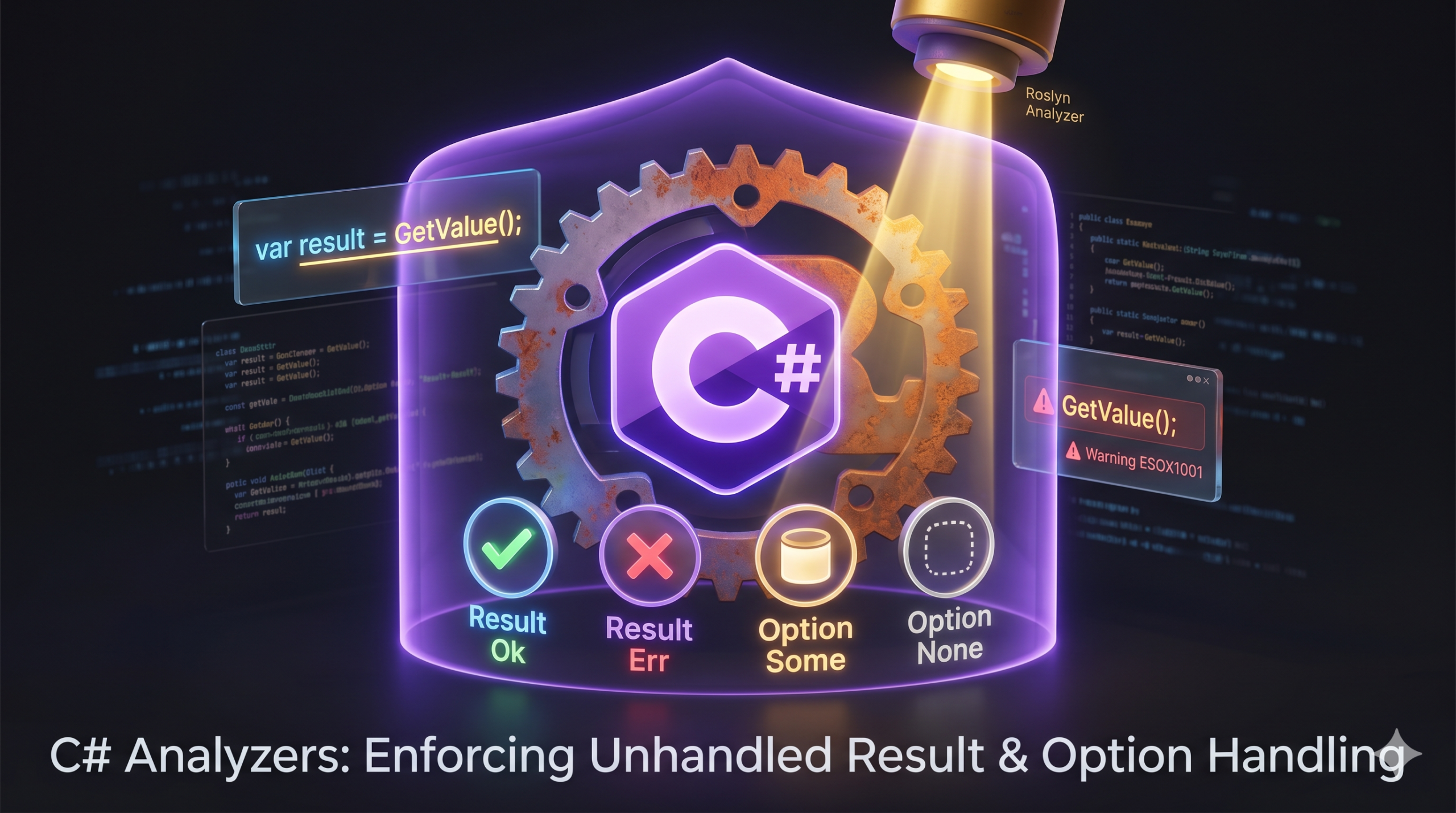

If you are adopting functional programming patterns in C#, you’ve likely discovered the beauty of explicitly defining success and failure states. Wrapping your returns in Result<T, E> or Option<T> forces callers to acknowledge that things might go wrong—or that a value might simply be missing.
But there’s a catch: C# doesn’t inherently force you to actually look at the return value of a method. If you call UpdateDatabase() and ignore the Result it hands back, the compiler happily moves on, leaving potential errors swallowed in silence.
To fix this, the Esox.SharpAndRusty.Analyzers package brings a powerful safety feature from the Rust ecosystem straight into your C# codebase: the #[must_use] philosophy.
Stopping Silent Failures at Compile Time
The Esox.SharpAndRusty.Analyzers package is a Roslyn analyzer that strictly enforces how you handle functional types from the Esox.SharpAndRusty library. It operates by detecting when methods returning Result<T, E> or Option<T> are called without their return values being used (such as being assigned to a variable, returned from the calling method, or used in pattern matching).
It introduces two primary rules to keep your codebase honest:
- ESOX1001 (Result value must be used): This rule warns developers when a method returning a
Result<T, E>is called but the value is ignored. This prevents accidental ignorance of potential errors. - ESOX1002 (Option value must be used): Similarly, this rule warns you if an
Option<T>return value is called but subsequently ignored.
The Bad Way (Now throws a warning)
public Result<int, string> ProcessPayment() => Result<int, string>.Ok(42);

public void Checkout()
{
    ProcessPayment(); // ❌ Warning ESOX1001: You ignored the result!
}
The Good Way:
public void Checkout()
{
    var result = ProcessPayment();
    // ✅ Handle the result properly
}
How to show intent
Sometimes, you genuinely don’t care about the result of an operation. If you have a legitimate (albeit rare) reason to ignore a Result or Option, the analyzer forces you to be explicit about it.
You can bypass the warning by using the C# discard operator (_):
_ = ProcessPayment(); // This explicitly shows your intent to discard the result.Alternatively, you can suppress the warning using standard #pragma warning disable directives, though the discard operator is generally cleaner.
Setup and Configuration
To get started, simply add the optional analyzer package alongside the core library:
dotnet add package Esox.SharpAndRusty
dotnet add package Esox.SharpAndRusty.Analyzers
Out of the box, the analyzer reports these unhandled types as warnings immediately in your IDE and during builds. However, for maximum safety, you can configure them in your .editorconfig or globalconfig file to promote them to hard errors:
# Promote to error
dotnet_diagnostic.ESOX1001.severity = error
dotnet_diagnostic.ESOX1002.severity = error
Conclusion
Writing functional C# is only half the battle; ensuring your team actually handles the data types correctly is the other. By installing Esox.SharpAndRusty.Analyzers, you can enforce robust error handling at compile time, creating much safer applications by ensuring no failure is ever silently ignored.


